

Most business owners pick their website platform in an afternoon. Then they live with that choice for years.
No platform ranks better than the others by default. Google's guidance never names a website builder.
Google only cares whether your pages can be crawled, whether they load properly, and whether the content is worth showing.
What the platform does decide is what you are allowed to change. When an SEO tells you to fix something, the platform decides whether you can.
Key Takeaways
- No platform ranks you by itself. All four can rank well, and all four can be set up badly.
- WordPress gives you the most control over URLs, redirects and schema. You also have to maintain everything yourself.
- Shopify forces /products/ and /collections/ into your store URLs. You cannot remove them.
- Squarespace and Wix both have proper 301 redirect tools now. That is the most important SEO feature a website builder can have.
- Pick the platform based on how you plan to grow, not on how the templates look. Migrating later costs more than any subscription fee you save now.
Only Four Platform Features Matter for SEO
Only four platform features really matter for SEO: URL structure, page speed, structured data, and redirect control.
Everything else is the same across all four. Title tags and meta descriptions are editable on every platform, and you can preview how yours will look in Google with our SERP simulator.
Sitemaps are generated automatically on all four. All four have blogging, but the quality of the blogging tools varies a lot.
So do not ask which platform is best for SEO. Ask which platform will still let you fix things three years from now.
WordPress: Full Control, Full Responsibility
WordPress gives you full control over your site's SEO. It also gives you full responsibility for maintaining it.
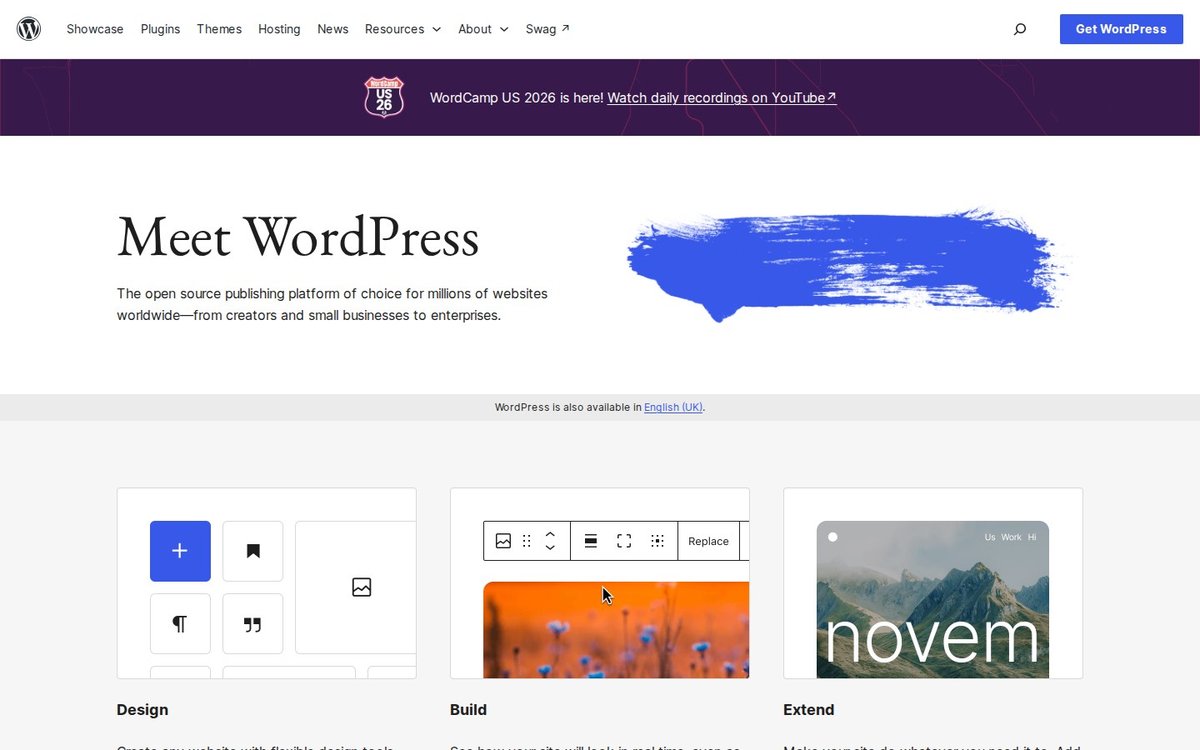
Source: WordPress official site.
You control the full URL structure. The permalink settings let you build URLs from the post name, category or date, so you can publish a page at /guide-name/ with nothing forced in front of it.
None of the other three give you that.
Schema, redirects, canonical tags, robots directives and hreflang can all be set, usually through a plugin. Our guide to the WordPress SEO plugins worth installing covers which ones to use.
The downside is maintenance. You are responsible for hosting, updates, security patches, and keeping plugins under control so they do not slow the site down.
Too many plugins is a common problem. I have seen sites running 30 plugins, with four different plugins all trying to set the same canonical tag.
WordPress is the right choice if content is how you plan to grow and someone on your team will handle the maintenance. It is the wrong choice if nobody in the company wants to manage the site.
Wix: Better for SEO Than It Used to Be
Wix had a bad reputation for SEO years ago. It has spent years fixing that, and its SEO controls today are usable.

Source: Wix official site.
Wix has a URL Redirect Manager that creates proper 301 redirects. When you change a page's slug, Wix creates the redirect automatically.
There is one exception for blogs. Wix's documentation says blog pages do not get automatic redirects, so you have to create those yourself or the old page loses its authority.
Structured data is supported. You can add custom JSON-LD markup to each page.
Wix can also generate the markup for you with AI, but its help centre notes this currently works for blog posts only.
One thing you cannot change is the blog URL structure. Every blog post sits under /post/ in the URL, so you control the slug but not the /post/ part before it.
Wix is the right choice for an owner who will never touch code and needs local SEO to work.
Shopify: Best for Ecommerce, Rigid on URLs
Shopify is the strongest ecommerce platform of the four. It is also the most rigid on URLs.

Source: Shopify official site.
Every product URL is /products/handle, every category is /collections/handle, and every blog post is under /blogs/. This is built into Shopify and cannot be changed in your theme settings.
The rest of Shopify's SEO tools are solid. You get built-in URL redirects in the admin, a canonical URL you can set in the theme, and product schema that Google uses for shopping results.
Products can also be reached through collection URLs, so the same product can exist at two addresses. Setting canonical tags correctly matters more on Shopify than on any other platform.
Our Shopify SEO guide covers how to do that, and our e-commerce SEO projects usually start there.
If you sell products, the URL prefixes are a small price to pay. Google indexes /products/ pages perfectly well.
Squarespace: Good for Small Brochure Sites
Squarespace is the design-first option. Its SEO features cover the basics, but they are limited.
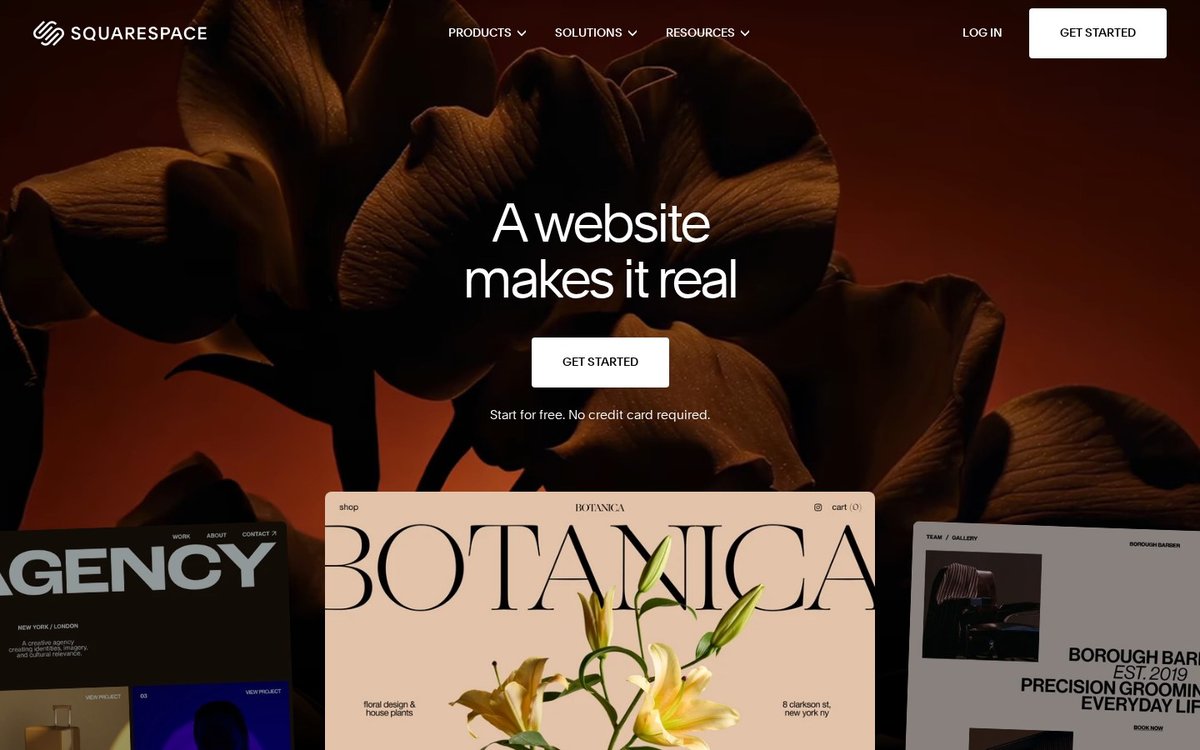
Source: Squarespace official site.
Redirects are set in the URL Mappings panel under developer tools. It supports both 301 and 302 redirects.
Squarespace's documentation lists a few limits. The mappings field caps at 400 KB (around 2,500 redirect lines), you cannot redirect away from your homepage, and a 301 only works once the old URL no longer exists.
Slugs have more rules than people expect. Squarespace forces lowercase, only allows dashes as a special character, and has character limits for each content type.
Blog posts and other collection items sit under their parent page's slug, so a blog post URL looks like /blog/post-name. If you rename the parent page, every post under it gets a new URL at the same time, and you will need redirects for all of them.
Squarespace is a good fit for a small brochure site. A typical example is a Singapore clinic, studio or consultancy with around eight pages that needs to look polished and rank for a few local search terms.
It is not built for a large content programme. If you plan to publish hundreds of blog posts, the limits above will get in your way.
Page Speed: Wix, Shopify and Squarespace Usually Win
Page speed is one area where Wix, Shopify and Squarespace usually beat WordPress.
Google's page experience documentation confirms that Core Web Vitals are used in ranking. It also says good scores alone will not put you at the top.
Wix, Shopify and Squarespace control the hosting and limit what you can install. A standard site on any of them usually loads faster than a neglected WordPress site.
A well-built WordPress site on good hosting is faster than all of them. A typical WordPress site is not.
If your site is slow on mobile, start with our guide to fixing Core Web Vitals. It applies to every platform.
What It Costs to Switch Platforms Later
Migrating platforms is much more work than a redesign. You need a list of every URL, a redirect map for all of them, a content transfer, a schema rebuild, and a few weeks of watching Search Console for problems.
Google publishes a full site move guide for this. The length of that guide shows how much can go wrong.
An agency can quote you for the rebuild, but nobody can tell you how long the recovery will take. Traffic usually dips while Google reprocesses the site, and that dip lands on whichever month you migrate.
Our Recommendation for Each Type of Business
Content-led business (your blog drives your growth): WordPress. You get clean URLs with no forced prefix, full schema and redirect control, and no limits on structure. Budget for maintenance or hire someone to handle it.
Ecommerce store: Shopify. Accept the URL prefixes, because they are not what is costing you sales. You get product schema, built-in redirects and a checkout that converts well.
Brochure site, 5 to 10 pages: Squarespace. It is fast, tidy, and will probably look better than your competitor's site. Set up your URL mappings on day one.
Owner who will never touch code: Wix. The redirect manager and per-page JSON-LD mean an SEO can still fix things later without needing a developer. That matters more than any template.
Already on the "wrong" platform and ranking fine: stay. Fix speed, structure and content instead. That is where the real gains are.
One note for businesses: if most of your enquiries come from Google Maps rather than the regular search results, your platform choice matters even less. Our article on map pack vs organic clicks explains why.
The platform decides what you are able to fix. Your content and links decide how well you actually rank.
If you are thinking about a rebuild, get your current site checked first. An SEO consultant can tell you whether migrating is worth it or whether it is an expensive distraction.
That check is part of our SEO services. If you also want your site to show up in AI answers, our GEO agency in Singapore covers that in the same review.
Talk to a Singapore SEO expert before you rebuild. Get in touch with our team and we will tell you what your current platform is costing you.