

Every WordPress site needs an SEO plugin. It handles the meta titles, schema, XML sitemaps and social card tags you should not be managing by hand.
The real question is which one. Yoast has been the default for over a decade, Rank Math often outguns it on features, SEOPress does most of the same for less, and AIOSEO has rebuilt itself into a genuine contender with over 3 million installs. We have set up all four for Singapore clients, so here is what each is actually good at, where it falls short, and which to install today. Whichever you pick still only builds the sitemap; you decide where to submit it, which is why it helps to know how Google and Bing consoles differ.
Key Takeaways
- Yoast is the most polished, the most familiar, and arguably the best for content writers who want clear readability and SEO scoring as they write. Premium now bundles the old Local SEO, Video and News add-ons into one plan.
- Rank Math has the most features per dollar, the most generous free tier, and the cleanest setup wizard. It is often the best value for SMEs.
- SEOPress is the most affordable paid plugin at the single-site level and the most performance-friendly. Good for sites where speed matters more than features.
- AIOSEO is beginner-friendly with strong schema and local SEO tools, but its best features sit in the pricier tiers, and renewal prices double after the first year.
- All four handle the basics (meta tags, sitemaps, schema) competently. The differences are in advanced features, pricing structure and the writing experience.
- Switching between plugins is painful. Pick carefully the first time.
What These Plugins Actually Do

Before comparing them, here is what any decent WordPress SEO plugin handles:
- Meta titles and descriptions for posts, pages, categories, tags
- XML sitemap generation and submission
- Schema markup (article, product, FAQ, breadcrumbs)
- Open Graph and Twitter Card tags for social sharing
- Robots.txt management
- Redirects (some plugins, not all in free tier)
- Breadcrumbs
- 404 monitoring
- Internal linking suggestions
If you want a deeper primer on what these plugins are doing under the hood, our guide to the best WordPress SEO plugins covers the wider plugin landscape.
Yoast SEO: The Established Standard
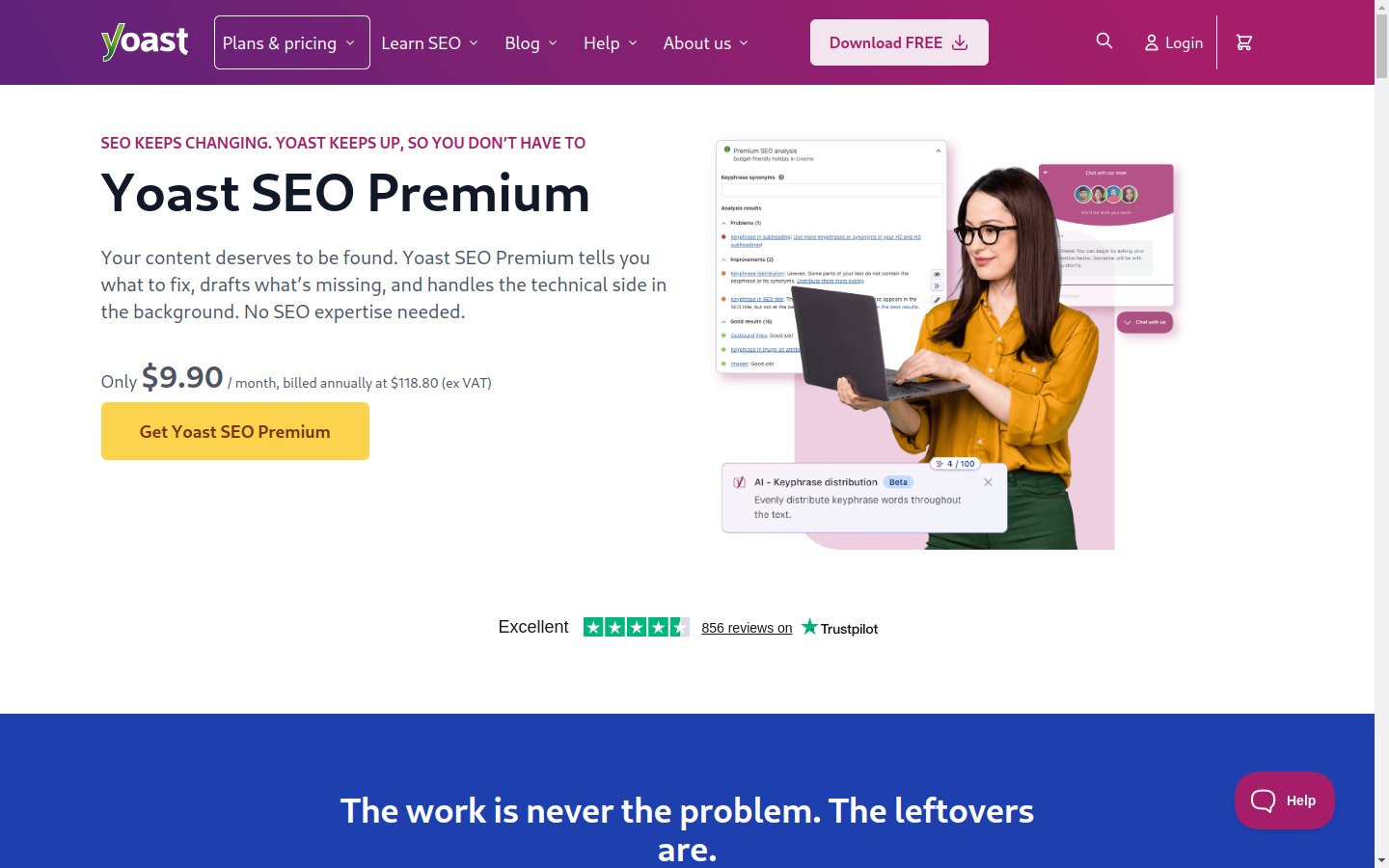
Yoast SEO has been around since 2010 and has more than 10 million active installs. The free version is genuinely useful. Yoast simplified its paid lineup in July 2025: Premium is now USD 118.80/year per site and folds in what used to be separate paid add-ons (Local SEO, Video SEO, News SEO).
 Source: Yoast SEO official product page.
What Yoast does well:
Readability analysis: Yoast scores your content as you write it for sentence length, passive voice, paragraph structure, transition words and more. For non-native English writers (which is much of Singapore), this nudges your copy toward clearer prose.
Focus keyword optimisation: You enter a target keyword, and Yoast tells you whether it appears in your title, meta description, headings, first paragraph and URL. Useful for staying disciplined.
Schema generation: Article schema, product schema, FAQ schema, breadcrumb schema. All handled automatically with sensible defaults.
Premium features: Internal linking suggestions, redirect manager, multiple focus keywords per post, AI-generated titles and meta descriptions, a Google Docs add-on seat for optimising drafts before they hit WordPress, plus the bundled Local, Video and News SEO modules.
What Yoast does less well:
Performance overhead. Yoast is heavier than the alternatives. On low-traffic sites this does not matter, but on shared hosting with traffic, the impact is measurable.
Aggressive upselling. The free plugin frequently nudges you toward Premium with notification banners and locked features. Some users find it annoying.
Limited free schema. The free version covers basic schema. Advanced schema types require Premium.
For SME sites with one or two writers producing regular content, Yoast remains a strong default. The writing assistance pays for itself in cleaner copy.
Rank Math: Feature-Heavy Challenger
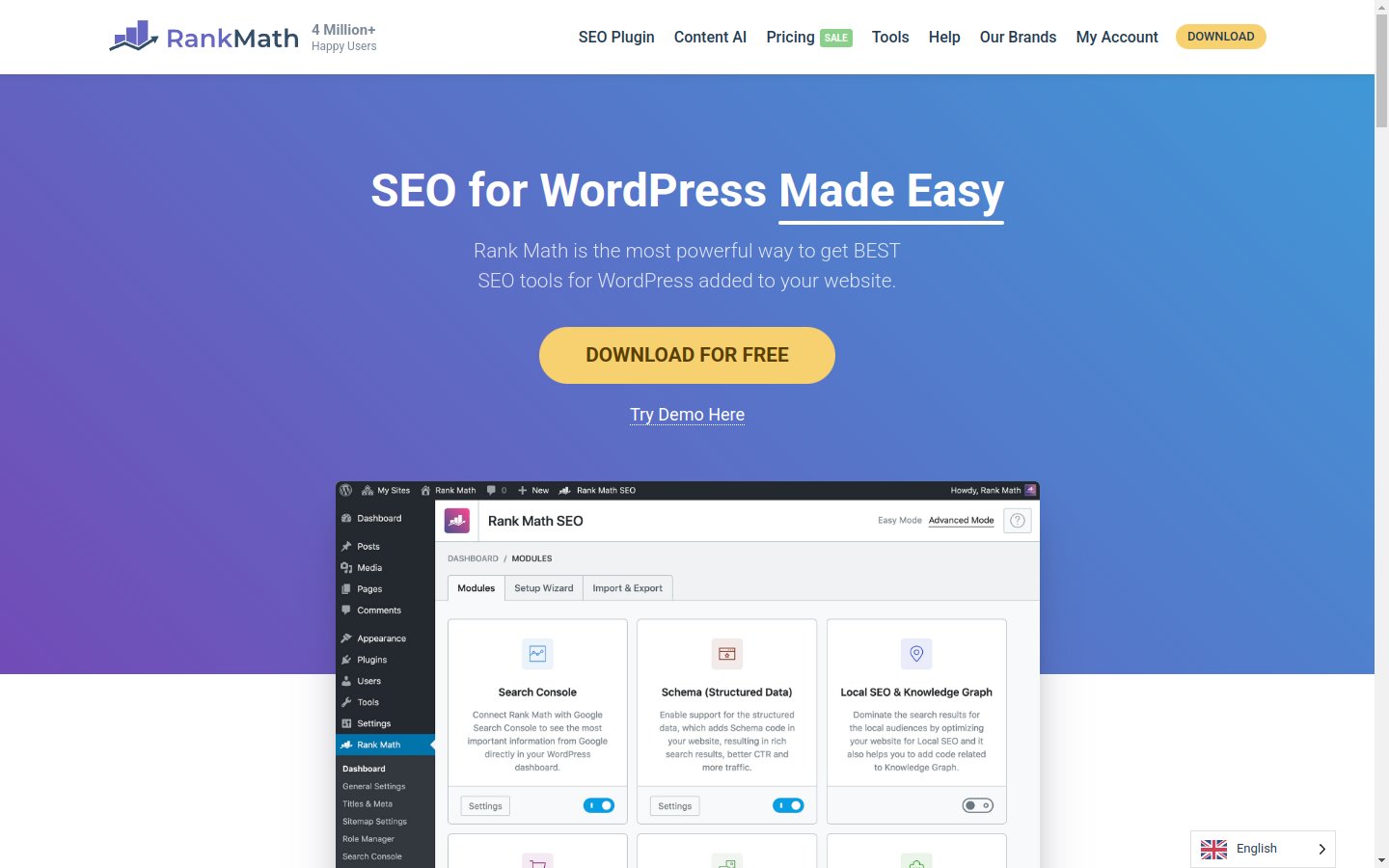
Rank Math launched in 2018 and has become Yoast's biggest competitor. The free version includes features that require Premium in Yoast (multiple focus keywords, schema for more types, 404 monitor, redirect manager).
 Source: Rank Math official product page.
What Rank Math does well:
Generous free tier. Most of what Yoast paywalls (multiple keywords, schema variety, redirects, 404 tracking) is free in Rank Math.
Setup wizard. The onboarding wizard is genuinely guided. You answer a few questions and Rank Math configures itself to match your site type.
Schema breadth. Rank Math supports more schema types out of the box than the alternatives, including local business, recipe, course, event and software application.
Dashboard. The internal dashboard, with the integrated GSC connection and analytics, is cleaner than Yoast's.
What Rank Math does less well:
Feature overwhelm. The sheer number of toggles and modules can feel intimidating. Beginners sometimes get lost or accidentally enable features that conflict with their theme.
Newer history. Yoast has 15+ years of refinement and bug fixes. Rank Math has fewer years to surface edge cases.
Premium pricing. Rank Math now prices in euros, billed annually. The PRO plan works out to roughly EUR 96/year (charged as EUR 7.99/month, billed annually) and covers unlimited personal websites, though client sites need the Business plan at around EUR 300/year for 100 client sites. Still strong value for site owners, but the monthly-style pricing makes the real annual cost easy to misread.
For Singapore businesses where the team is comfortable with technical configuration, or for owners running multiple sites of their own, Rank Math is often the best value.
SEOPress: The Budget-Friendly Alternative
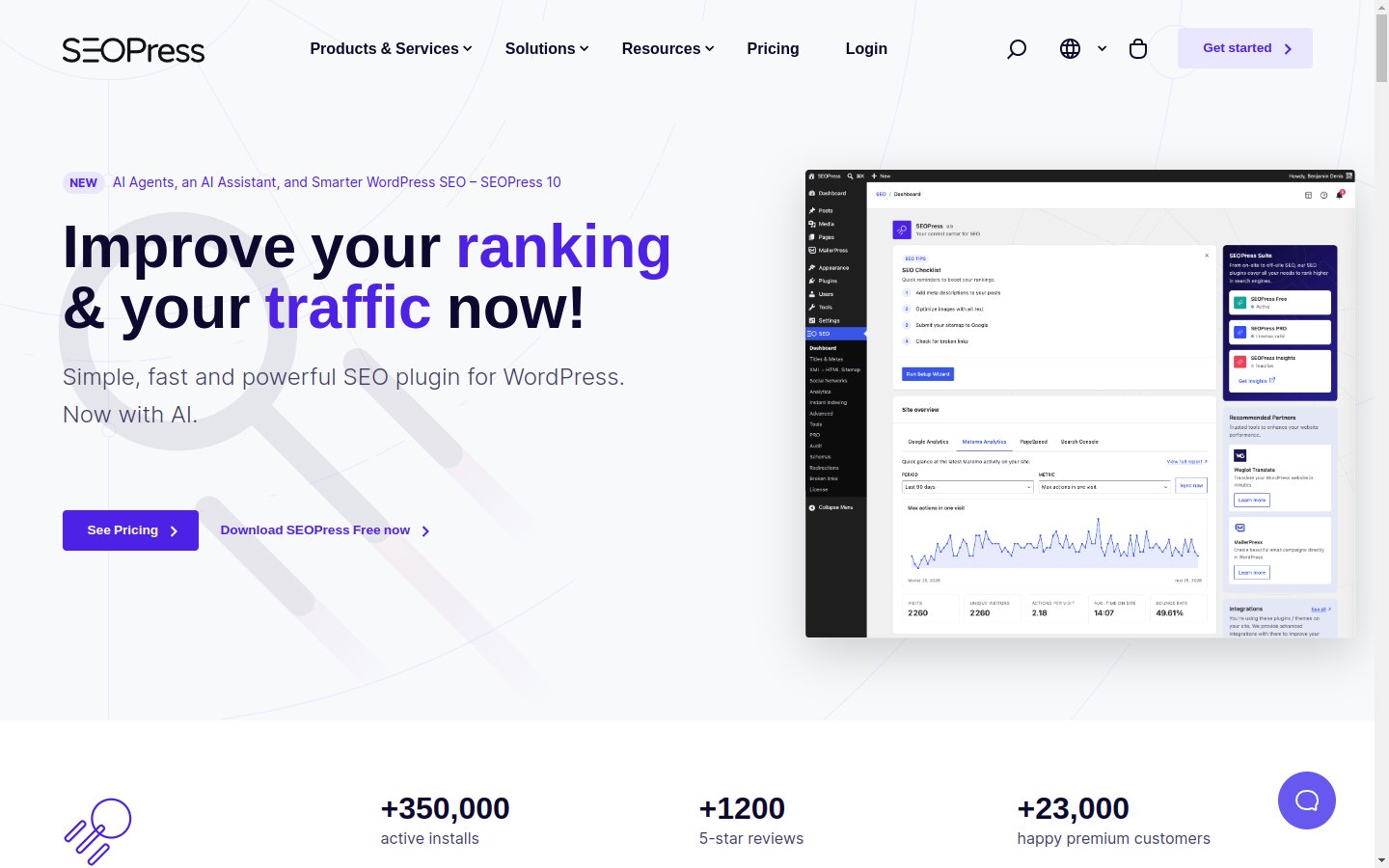
SEOPress is the quiet option. It has a smaller user base but a strong feature set, and the pricing remains the most aggressive at the entry level.
 Source: SEOPress official product page.
What SEOPress does well:
Performance. SEOPress is significantly lighter than Yoast and slightly lighter than Rank Math. On performance-critical sites, this matters.
Pricing. SEOPress Pro starts at USD 49/year for one site, USD 59/year for 5 sites, and USD 149/year for unlimited sites (the old USD 49 unlimited deal ended in August 2025). Your renewal price is locked at what you paid, even if prices rise later.
No upsells. The free version does not aggressively push the paid version. Refreshing for users tired of notification banners.
White label. Pro includes a white-label mode useful for agencies that want to remove the SEOPress branding from client dashboards.
What SEOPress does less well:
Smaller community. Less external content (tutorials, troubleshooting guides) compared to Yoast and Rank Math. When you hit a problem, the answer is harder to Google.
Less polished UI. The interface feels functional rather than designed. Not a dealbreaker, but Yoast and Rank Math feel more refined.
Fewer integrations. Some third-party WordPress plugins integrate specifically with Yoast or Rank Math first. SEOPress catches up but is sometimes a step behind.
For Singapore businesses on tight budgets or sites where speed is critical, SEOPress is genuinely competitive.
AIOSEO: The Original, Rebuilt
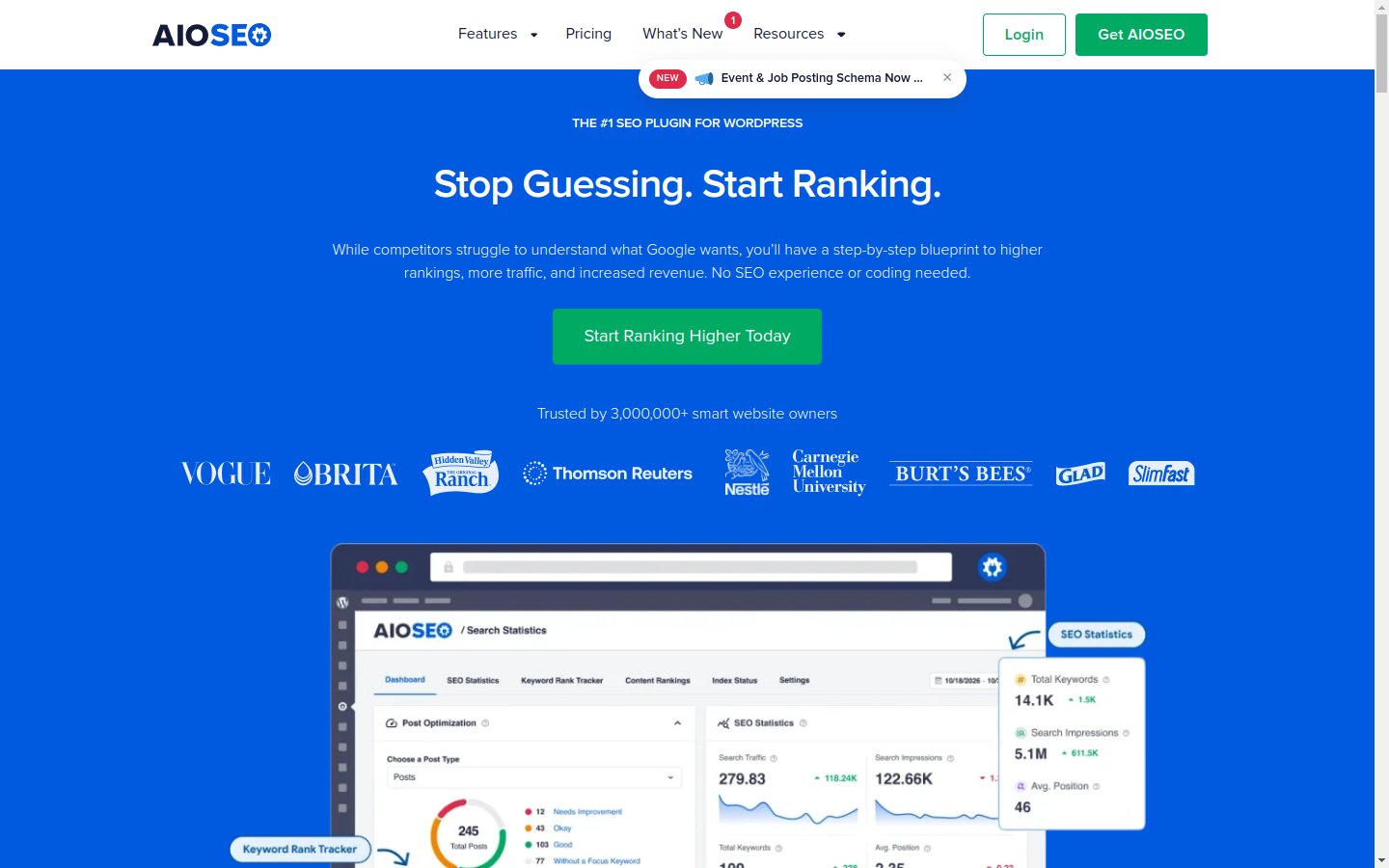
All In One SEO is actually the oldest plugin here, launched in 2007, three years before Yoast. After years of stagnation it was acquired by Awesome Motive (the team behind WPForms and OptinMonster) and rebuilt from the ground up. It now claims over 3 million active users.
 Source: AIOSEO official product page.
What AIOSEO does well:
Beginner-friendly setup. The TruSEO on-page analysis gives plain-English checklists rather than jargon. For non-technical owners, it is arguably the easiest of the four to configure correctly.
Schema and local SEO. Smart schema markup, a flexible schema generator, and solid local SEO tools (opening hours, multiple locations, Google Maps integration) are available without needing the top tier.
Redirects and 404 tracking. Included from the Pro tier, with server-level redirects available for better performance.
Search Statistics. GSC integration with keyword rank tracking and content performance reports inside WordPress, though this is reserved for the Elite tier.
What AIOSEO does less well:
Renewal pricing. The advertised prices (Basic USD 49.50/year for 1 site, Plus USD 99.50/year for 3 sites, Pro USD 199.50/year for 10 sites, Elite USD 299.50/year for 100 sites) are first-year introductory rates. Renewals double to the full price (USD 99 to USD 599/year). Budget for the renewal, not the intro price.
Feature gating. The free version is more limited than Rank Math's, and several headline features (redirects, link assistant, rank tracking) sit in Pro or Elite. The comparable Rank Math or SEOPress tier is usually cheaper.
Performance. Lighter than it used to be, but still heavier than SEOPress in our testing on shared hosting.
For Singapore business owners who want hand-holding and are willing to pay for it, AIOSEO is a legitimate option. For value hunters, Rank Math free covers most of the same ground.
Which One Should You Install
Here's the simple framework:
Pick Yoast if: You have writers who would benefit from in-editor readability scoring, you value the polish and stability of a 15-year-old product, and you don't mind paying for Premium features.
Pick Rank Math if: You want the most features for the least money, you are comfortable navigating a more complex interface, or you run multiple sites of your own.
Pick SEOPress if: Your hosting is performance-sensitive, your budget is tight, or you want a clean experience without upsell prompts.
Pick AIOSEO if: You want the most beginner-friendly setup and local SEO without technical fiddling, and you have budgeted for the post-intro renewal pricing.
For most Singapore SME sites we set up these days, Rank Math (free tier) is our default starting point. It covers the basics and most of the advanced features without paying. We recommend Yoast Premium when the client is producing high-volume content and the readability features earn their keep.
What About The Others
You will find dozens of WordPress SEO plugins beyond these four. Squirrly, SEOWP, The SEO Framework and others exist but rarely justify a switch from the established options.
If you're already using something else and it works, don't switch for the sake of switching. Plugin migrations carry real risk of losing meta data, breaking redirects and creating duplicate content.
How to Switch Without Losing Your SEO
If you do switch, do it carefully:
- Export your current data before installing the new plugin. All four offer import/export tools.
- Map your old fields to the new ones. Meta titles, descriptions and focus keywords need to migrate cleanly.
- Verify your XML sitemap after the switch. Submit the new sitemap URL in Google Search Console.
- Check your schema is still rendering. Use Google's Rich Results Test on key pages.
- Keep the old plugin installed but deactivated for at least 30 days as a fallback. Once you're confident, uninstall.
Botched plugin migrations are one of the most common reasons we see Singapore sites lose rankings unexpectedly. If your audit traces a drop back to a plugin switch, that's where engaging an SEO agency in Singapore often pays back the cost in recovered traffic.
Stop Researching, Start Optimising
The truth is that any of these four plugins, configured properly, will do 95% of what you need. The other 5% varies by use case.
Pick one. Configure it properly. Move on to the actual work of writing content, building links and improving your site. The plugin only sets the stage; a Singapore SEO expert does the work that actually moves rankings, and no plugin substitutes for that.
If you want a second pair of eyes on your WordPress SEO setup, reach out and our AI SEO agency can run through your configuration and flag any quick wins. A quick review from our SEO consultancy confirms your chosen plugin is configured to help your rankings rather than quietly hold them back.